Canceling A Transfer
Note
Canceling a transfer stops an in-progress transfer. Its status changes to canceled. A canceled transfer cannot be resumed. To send the files again, select the transfer and use , or create a new transfer. Retry is available when both Locations are saved in the client and you started the transfer.
Select one or more transfers to be cancelled.
or press Control,⌘ + K.
A confirmation will be displayed asking you to confirm the cancellation.
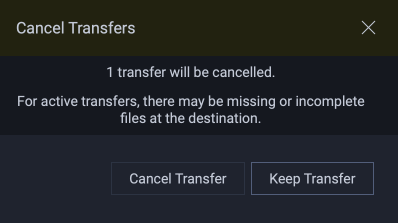
Click Cancel Transfer. The transfer will be canceled.
See also