JetStream Version 3.0 is here. See what's new.

JetStream Version 3.0 is here. See what's new.
Accelerated file transfer
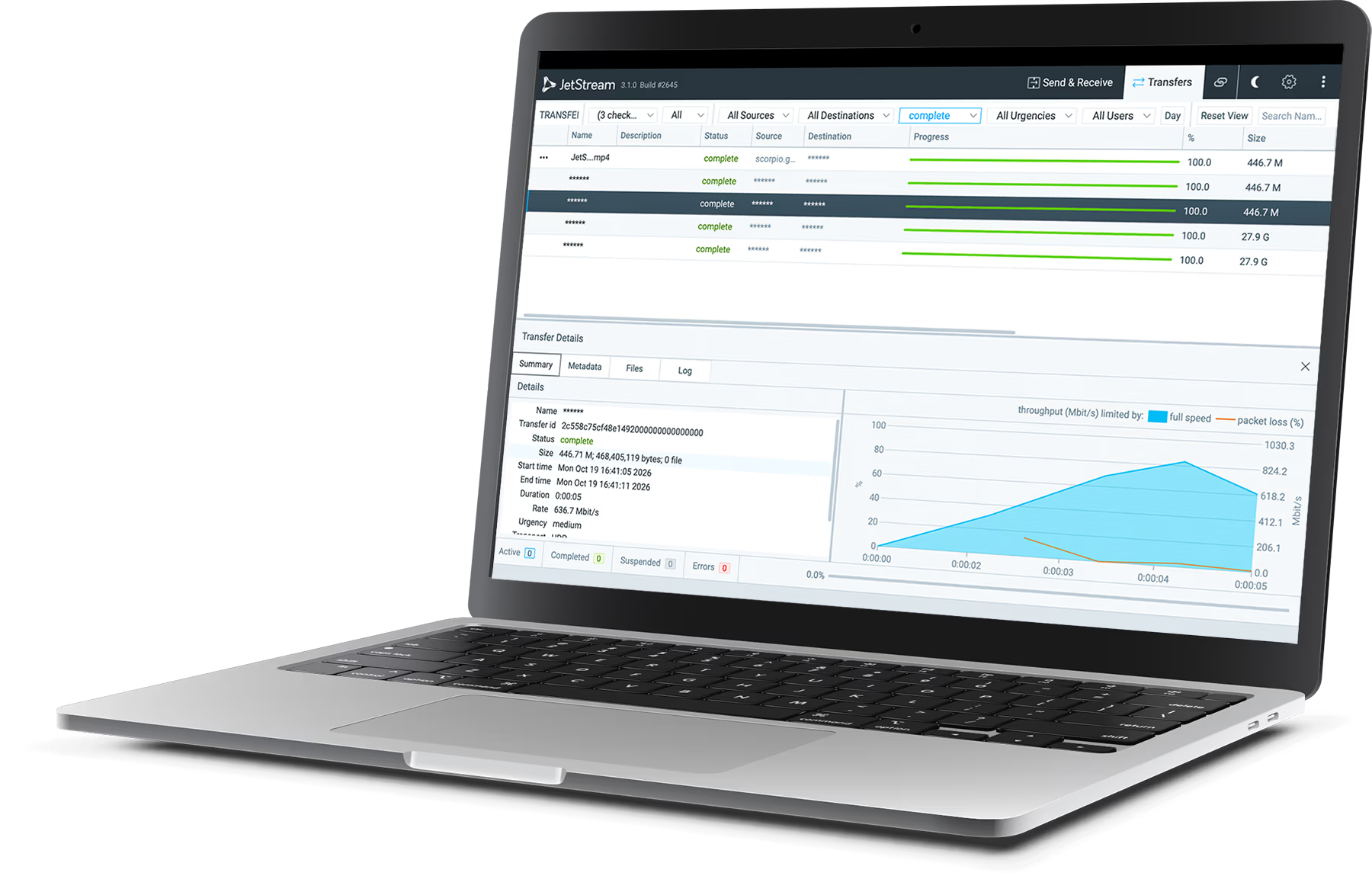
JetStream is accelerated large file transfer software. Send huge files across the world with no timeouts, no throttling, and no waiting – so your teams move at full speed.
Trusted by teams at





Built for your industry

Turnovers, dailies and deliverables that land before the deadline does.
Explore media workflows →

Imaging and research data, moved between sites without delay.
Explore life sciences →

Point clouds and models from site to office at full line speed.
Explore engineering →
JetStream works for any team that moves large data between sites, partners and clouds.
Game development
Geospatial & imagery
Backup & migration
Government
How it compares
The same large file transfer, two very different outcomes.
JetStream
Cloud file sharing
FTP / SFTP
Speed over long distances
✓ Uses your full bandwidth, near or far
✕ Limited by upload speeds and distance
✕ Slows sharply on long or lossy routes
File-size and volume limits
✓ None – nothing is metered
– Plan-based size caps and storage quotas
✓ No hard limits
Runs on your own servers
✓ Yes – self-hosted, your data stays yours
✕ No – files sit on the vendor’s cloud
✓ Yes
Unreliable connections
✓ Adapts on the fly – never times out
– Large uploads can stall and restart
✕ Drops and must be restarted
Data integrity
✓ Every packet verified, beyond TCP’s checks
– Varies by service
– Relies on standard network checks
What you get
Accelerated transfer
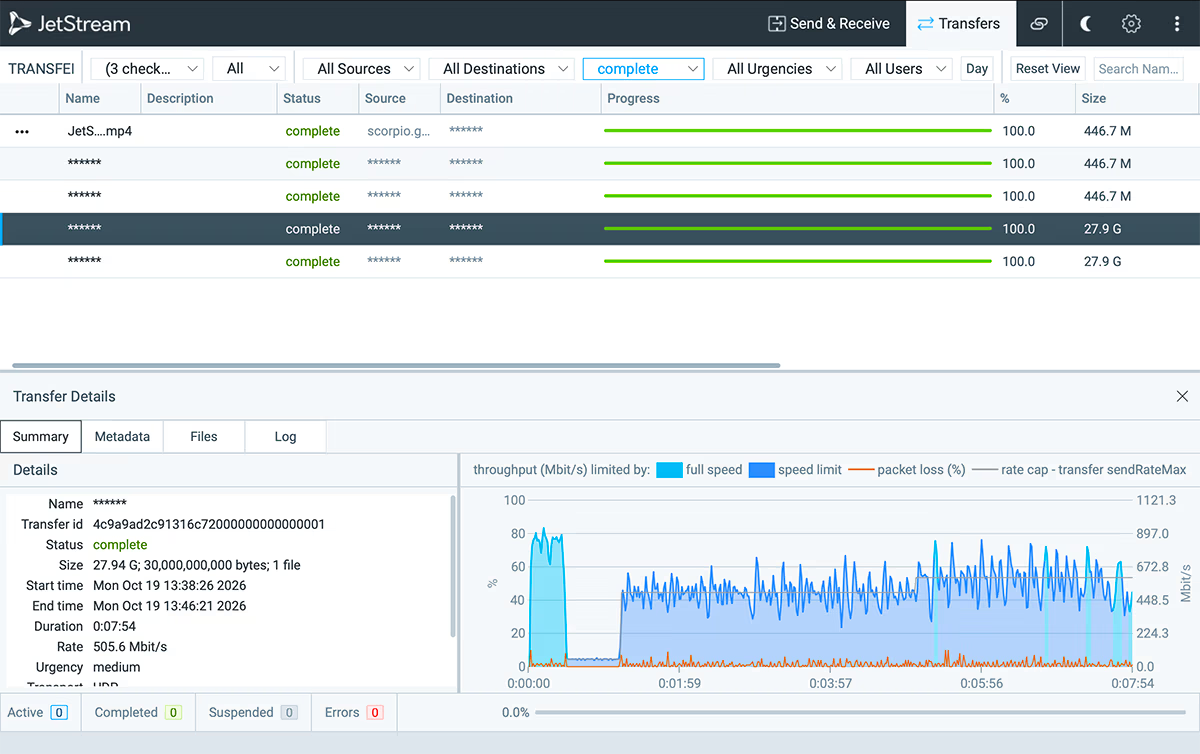
JetStream measures the link and keeps it saturated, so long, busy and unreliable routes run at the speed you pay for.
Shareable links
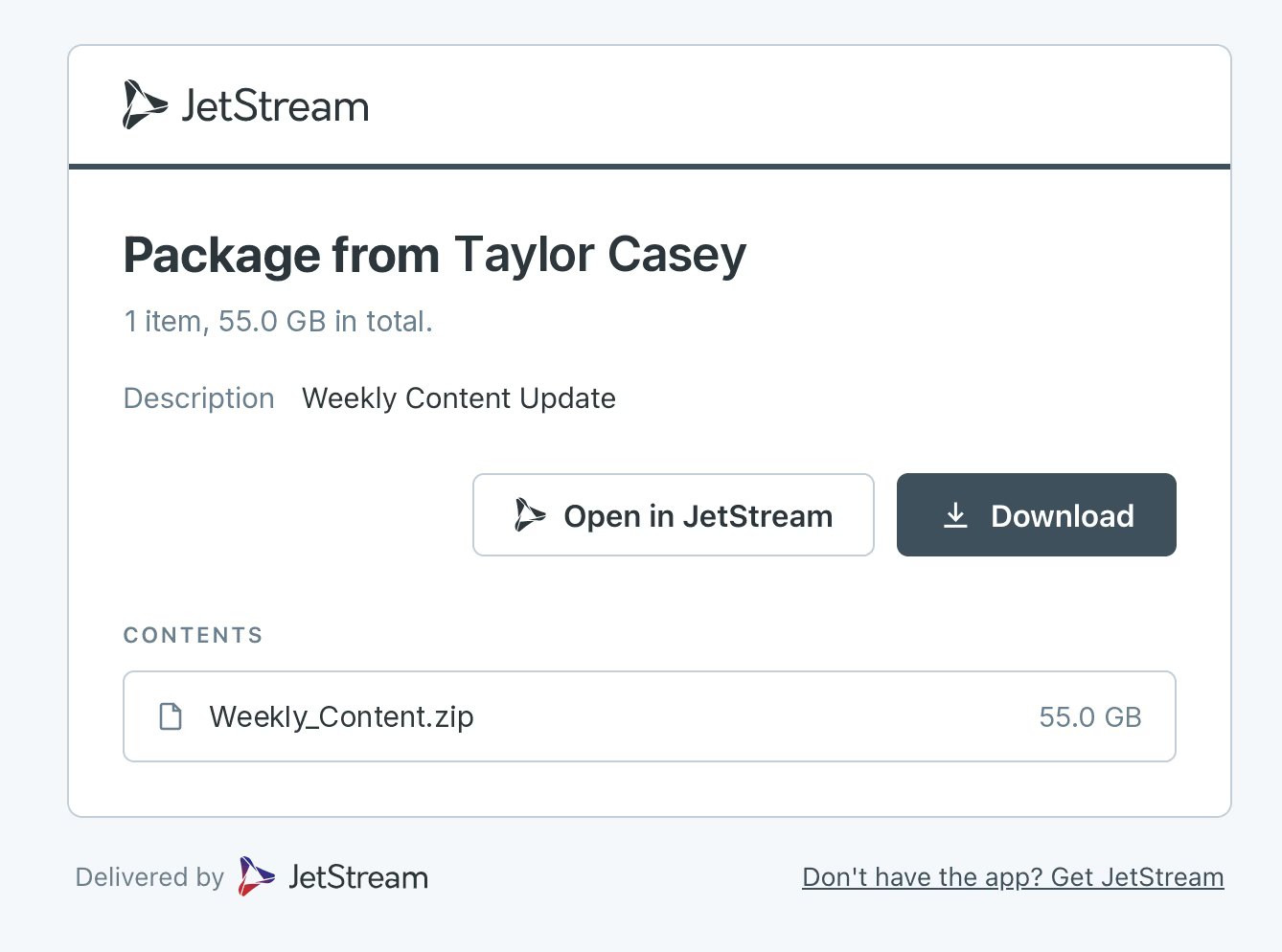
Send a link and recipients download in their browser. No JetStream install at their end.
Security
End-to-end AES-256 encryption on every transfer, running on infrastructure you control.
API automation
Trigger transfers, fire webhooks and connect your tools – at no extra cost.
Explore the API →# pip install jetstream from jetstream import Client client = Client(api_key="js_live_…") transfer = client.transfers.create( source="./render_final.mov", dest="studio-tokyo", )
“JetStream is mission critical to delivering our animation projects. Our teams are sharing their work faster than ever.”
Rachit Singh – Head of Technology 2D, Atomic Cartoons
What is accelerated file transfer?
Accelerated file transfer moves data at the full speed a network can carry, rather than the reduced speed that distance and packet loss usually impose. Conventional transfer methods treat lost packets as congestion and slow down, so the further a file travels the less of your available bandwidth it actually uses. JetStream measures the link and keeps it saturated instead. The gain is largest on long, busy or unreliable routes – the ones where conventional transfers lose the most.
What makes JetStream faster?
It uses the whole connection. A conventional transfer over a long or lossy route typically uses a fraction of the bandwidth available to it, and the gap widens the further the file travels. JetStream holds the line saturated regardless, so on international routes transfers that took hours finish in minutes.
Is there a limit on file size, transfer volume, or bandwidth?
No limit on file size or transfer volume, and nothing is throttled nor metered. Allocate as much of your available bandwidth as you choose, up to 5 Gb/s.
How many people can use JetStream?
As many as you like. The client application can be installed by every collaborator, partner, and vendor at no extra cost. What your license covers is how many transfers run at the same time – and a slot frees the moment a transfer finishes, so one server comfortably serves a roster many times larger than its slot count.
Is JetStream secure?
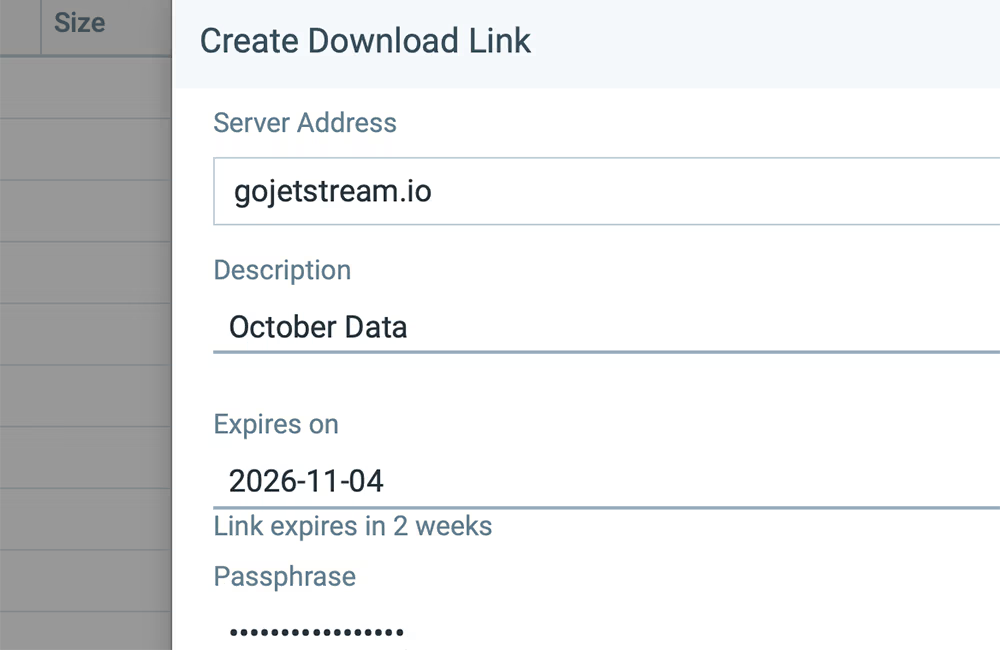
Every transfer is encrypted in transit via AES-256 encryption. Shareable links can be password-protected and given an expiry date, and are served from a server you run rather than a third-party service.
Do recipients need to install JetStream?
Not since version 3.0. Recipients open a shareable link and download in a standard browser. Senders still use the JetStream desktop application.
More on shareable links →Walk through your workflow with our team, then try it free on your own servers.